Fix

Problem PC? We’ll solve it. We’re who you call when your desktop runs slow and your programs stop working. From corrupted hard drives to infected machines, Computer Repair is your personal army of tech-savvy geeks.

Computer Won’t Turn On

Most scariest thing that can happen to your MAC or Windows computer is failure to turn on at all. You press the little power button and nothing happens. No beeps, clicks, clunks or whirs. Light on the monitor is on, but your computer is totally dead. When your computer refuses to turn on, it can be quite alarming. But before you panic, take a moment to check the power source and connections. Sometimes, the problem lies in something as simple as a loose power cable or a faulty outlet. Ensure that all power cables, including those from the computer to the wall socket or power strip, are securely plugged in at both ends. If your computer still won’t turn on, it’s time to call in the professionals.
Computer Fails to Start

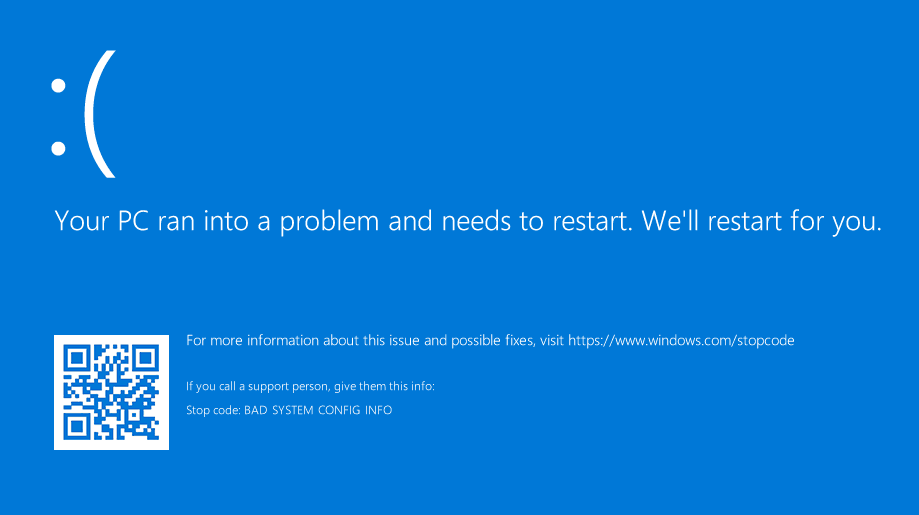
This can happen suddenly and without any visible cause. Sometimes your computer begins to load but after some time stops responding during start up process. This problem can be caused by many factors. Your computer can try to load windows from removable media. First of all check and remove any CD’s, DVD’s, USB flash drives, memory cards. Remove any digital cameras or external hard drives. Try to restart your computer. If it fails again something else is causing the problem. If your desktop display and error during start up, this is probably caused by hardware configuration problem. Your motherboard, CPU, memory or graphic card may develop a problem.

Computer Freezes and Restarts

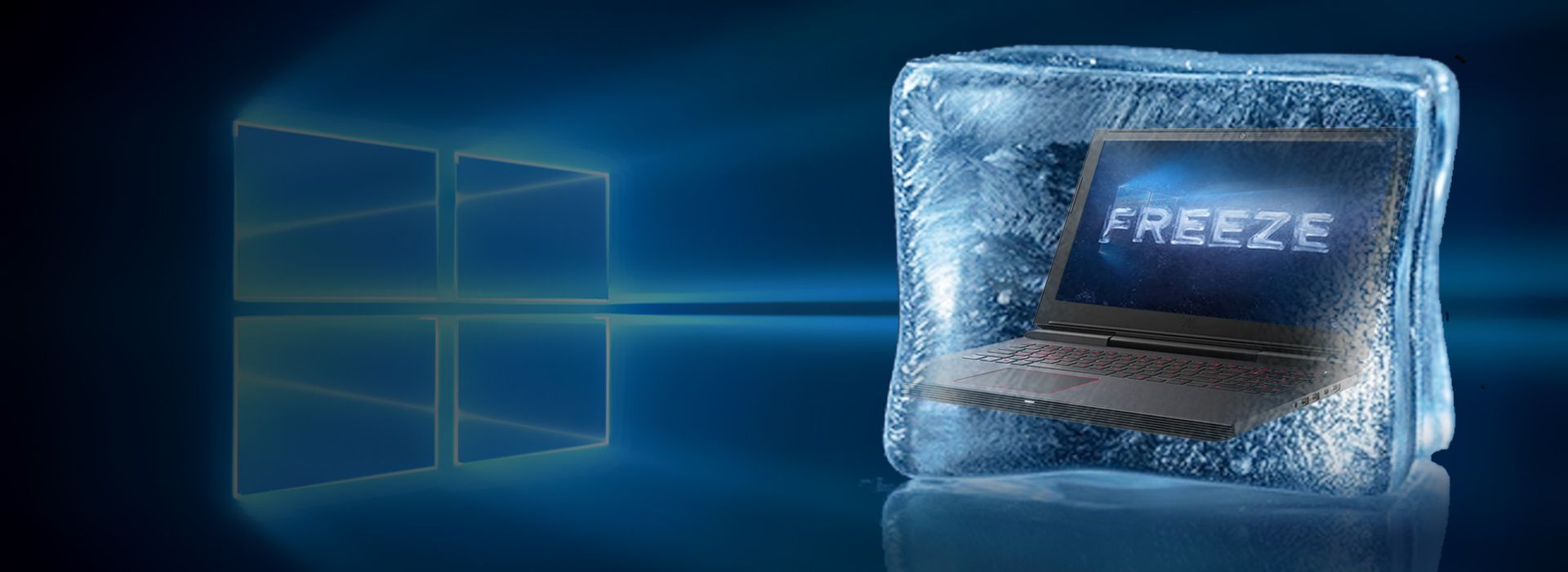
It can be two kind of problems causing computer to freeze and restart. First and most probable one is software problem (Window or Mac). Viruses, Trojans, rogues and other adware can cause system instability. When systems detects a problem it restarts to prevent future damage. These problems can be solved by cleaning unwanted programs and spyware, upgrading drivers or reinstalling operating system. Our computer engineers can test is it software problem and repair your computer ant you home or office straight away. Second and more serious – hardware problem. Computer overheating is most probable cause for computer freezing and restarting.

Screen Doesn’t Show Anything

You turn on desktop computer. You can heard it starting to work and windows start to load, but your screen doesn’t show anything or “no signal found”. This can happen for many reasons. If you moved your computer recently, please check all your cables. They can be loose slightly and did not send proper signal. If cables are all ok, you should try to connect Screen to another computer. Maybe your monitor is faulty? Sometimes screen shows nothing because of faulty graphic card or other hardware. If steps mentioned above did not solve your problem, you should contact professional computer repair technician.

Contact Us